Mastering Tumbler Sublimation with Canva Design Packs
Creating professional-quality sublimation designs used to require advanced software skills and expensive tools. Today, the Tumbler Sublimation Canva Design Pack changes that dynamic entirely. This collection provides creators with a streamlined workflow for producing vibrant, print-ready graphics specifically optimized for drinkware and cylindrical surfaces. If you have ever struggled with getting your artwork to wrap perfectly around a curved tumbler without distortion, these templates offer a practical solution that bridges the gap between high-end design and accessible creation.
Understanding the Core Components
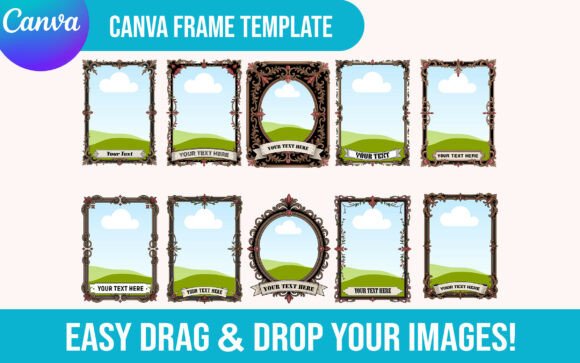
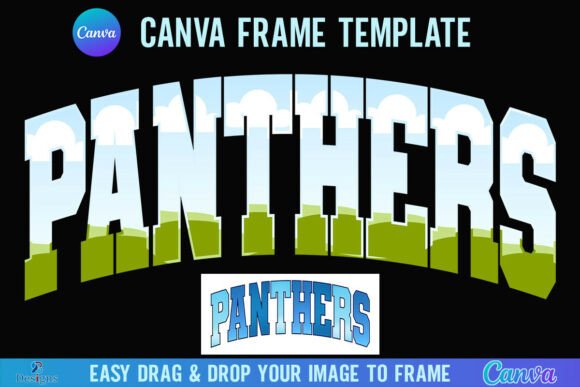
At its heart, this product is about accessibility and precision. When you purchase the pack, you receive a PDF containing a direct link to Canva frame templates. This is not just a collection of static images; it is an interactive set of design assets. By clicking the link, you gain immediate access to a workspace where the heavy lifting is already done. The templates are built to specific dimensions required for popular tumbler sizes, ensuring your final output matches the physical product requirements without the guesswork of resizing.
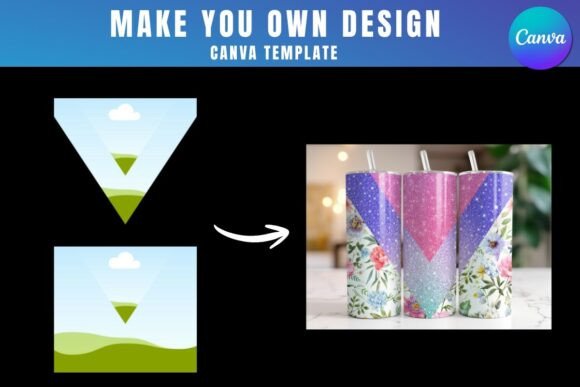
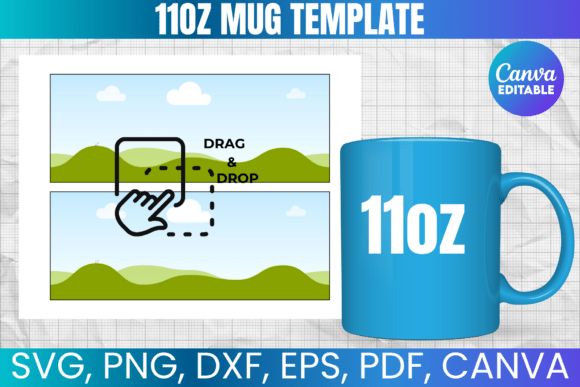
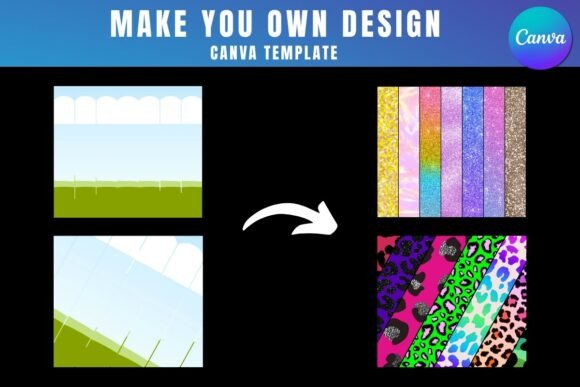
The workflow is intuitive, even for those who do not consider themselves professional designers. The system relies on a drag-and-drop interface. You prepare your PNG or JPG background images—whether they are intricate patterns, photographs, or typographic layouts—and simply drop them into the provided frames. The Canva interface automatically crops and adjusts the image to fit the designated space. This eliminates the frustration of manual alignment and allows you to focus on the creative aspect of your brand identity or personal project.
The Technical Nuances: Licensing and Requirements
Before diving into the creative process, it is essential to understand the operational requirements to ensure a smooth experience.
- Canva Access: A free Canva account is sufficient to open and edit the templates. This makes the entry barrier incredibly low for hobbyists, bloggers, and entrepreneurs just starting out.
- Exporting Transparency: If your design strategy requires a transparent background for layering or specific printing techniques, you will need Canva Pro or a higher version. The free version does not support transparent PNG exports, a critical distinction for advanced sublimation work.
- Software Specificity: These templates are exclusively for Canva. They are not compatible with SVG formats, nor can they be used directly with Cricut or Silhouette cutting machines. This is a digital product designed for the Canva ecosystem, meaning no physical frames will be delivered to your door.
Visual Style and Creative Flexibility
The versatility of the Tumbler Sublimation Canva Design Pack is one of its strongest assets. Because the templates act as a blank canvas (or a structured frame), the visual style is ultimately defined by you. However, the structure lends itself particularly well to modern graphic design trends. Whether you are aiming for a minimalist aesthetic with clean sans-serif typography or a vibrant, chaotic collage style, the frames accommodate various visual weights.
For marketers and content creators, this consistency is vital. When creating merchandise for a brand, the visual hierarchy must remain intact even on a curved surface. These templates help maintain that hierarchy by constraining the design area appropriately. You can use this pack to create:
- Branded Merchandise: Perfect for small business owners looking to sell custom drinkware.
- Social Media Graphics: Use the mockup capabilities to show off designs on Instagram or Pinterest before printing.
- Packaging Design: Visualizing how a pattern repeats or how a logo sits on a physical product.
- Client Presentations: Showing designers and agencies how branding elements translate to physical goods.
Practical Application and Workflow Tips
To get the most out of this resource, consider your image resolution. Since sublimation printing relies on heat transfer, the quality of your source file directly impacts the final product. Always start with high-resolution images (300 DPI is the standard recommendation) to avoid pixelation when the design is stretched or wrapped.
Think about readability and visual appeal. A design that looks flat on a screen might pop on a tumbler, or it might get lost in the curve. Use the Canva frames to test different compositions. Try placing your focal point—be it a logo design or a central illustration—in the center of the frame to ensure it remains visible on the front face of the tumbler.
Furthermore, this pack is an excellent tool for testing font pairing. If you are developing a brand identity, you can see how your chosen serif font or script font interacts with your imagery in a real-world context. Does the text wrap too tightly? Is the kerning legible at a small scale? These templates allow you to answer those questions instantly.
Why This Matters for Your Business
In the world of print-on-demand and custom goods, speed and accuracy are currency. The Tumbler Sublimation Canva Design Pack streamlines the production phase, allowing entrepreneurs to iterate quickly. Instead of spending hours calculating dimensions in complex software like Adobe Illustrator, you can produce a ready-to-print file in minutes.
This efficiency does not come at the cost of professionalism. The templates are structured to produce high-quality outputs suitable for commercial sale. By utilizing these design assets, you ensure that every tumbler you produce meets a consistent standard of quality, which is fundamental for building customer trust and repeat business.
Ultimately, this tool democratizes the sublimation design process. It empowers crafters and digital creators to produce professional-grade products without a steep learning curve. Whether you are creating a one-off gift or scaling a product line, the ability to seamlessly integrate high-quality graphics into a functional template is invaluable.